How it works
Four steps from PDF to permanent link.
Keep designing brochures the way you do today and keep your listing website. OneBrochure turns the PDF into an interactive brochure that stays current.
14-day free trial · card required · you won't be charged until your trial ends · cancel anytime before then from Billing.
The four steps
Step 1: Upload your PDF
Start with the brochure you already have. There's nothing to rebuild.
- A listing brochure, property flyer or offering memorandum from InDesign, Canva or any tool that exports PDF.
- It's checked in your browser first: a valid PDF, the pages counted, the cover rendered.
- It starts as a draft, so nothing is public until you publish.
Step 2: Make it interactive
Optional, and quick. It already works as a flipbook; this makes it do more.
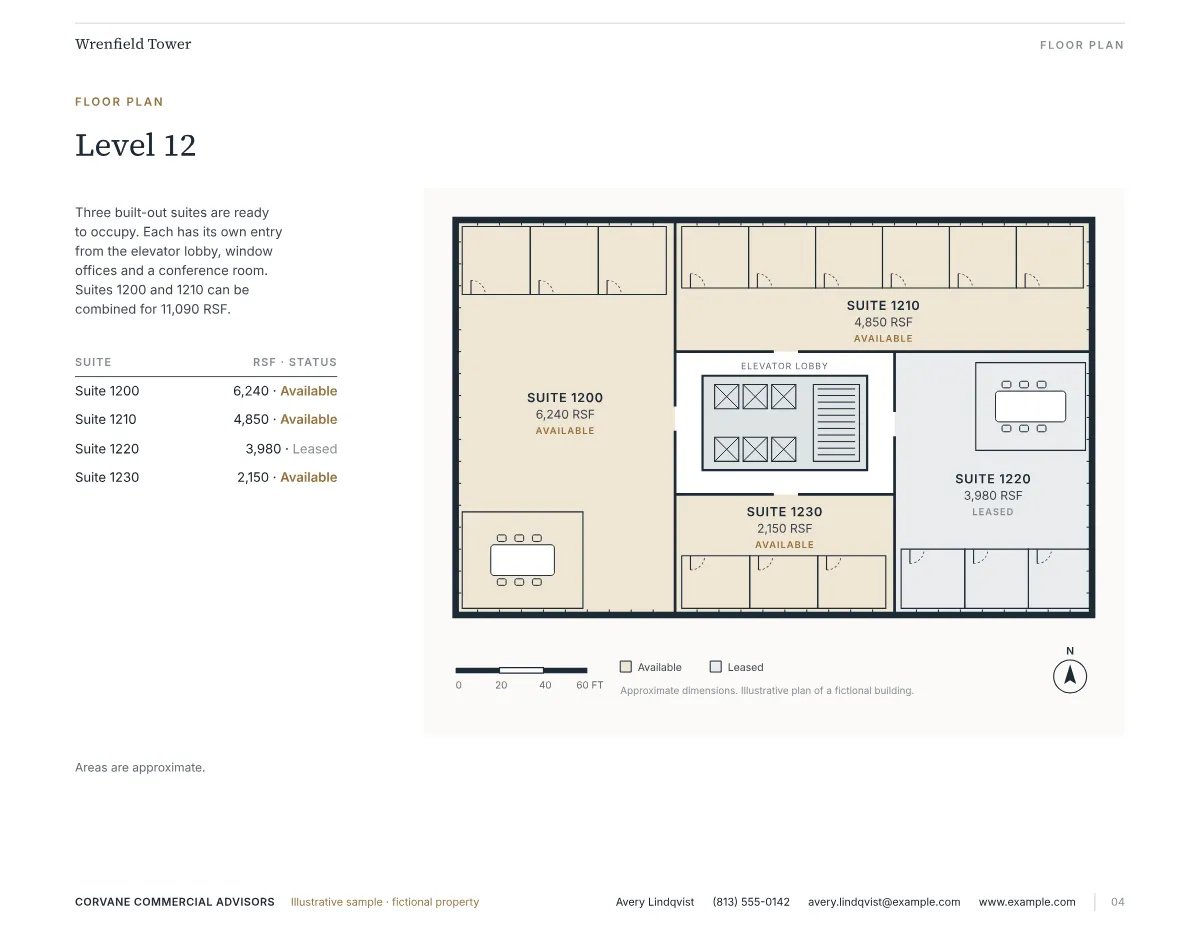
- Review what we find in your PDF, such as phone numbers, emails, photos and floor plans, and keep what you want.
- Add your own: a photo gallery, a zoomable floor plan or map, a video, a virtual tour or a contact button.
- Choose the brochure's contacts from your agent directory. Links in the PDF already work.
Step 3: Publish
Preview exactly what readers see, then choose who can view it.
- Unlisted (the default): anyone with the link; search engines are asked not to index it.
- Public: anyone, and search engines can list it.
- Password protected or Private, for confidential and pre-market material.
Step 4: Share and embed
One permanent link for every channel.
- Paste the link into emails, texts, social posts and listing feeds.
- Download a QR code for yard signs, flyers and open house handouts.
- Put the embed code on your listing page. Leads arrive in your inbox and analytics show which pages get attention.
Updating a brochure
Change the brochure, not the link.
When a price changes, a listing goes under contract or a floor plan is revised, replace the PDF. Everyone with your link, QR code or embed sees the new version on their next visit.
- 01Open the brochure and choose Replace PDF.The new file is checked in your browser, just like the first upload.
- 02Confirm the upload.It goes live as soon as it's verified. The link, QR code and embed don't change.
- 03Need the old one back?Open Version history and restore any kept version in one click. The last 25 are kept on every plan.
Embedding on your website
Put the brochure where clients already look.
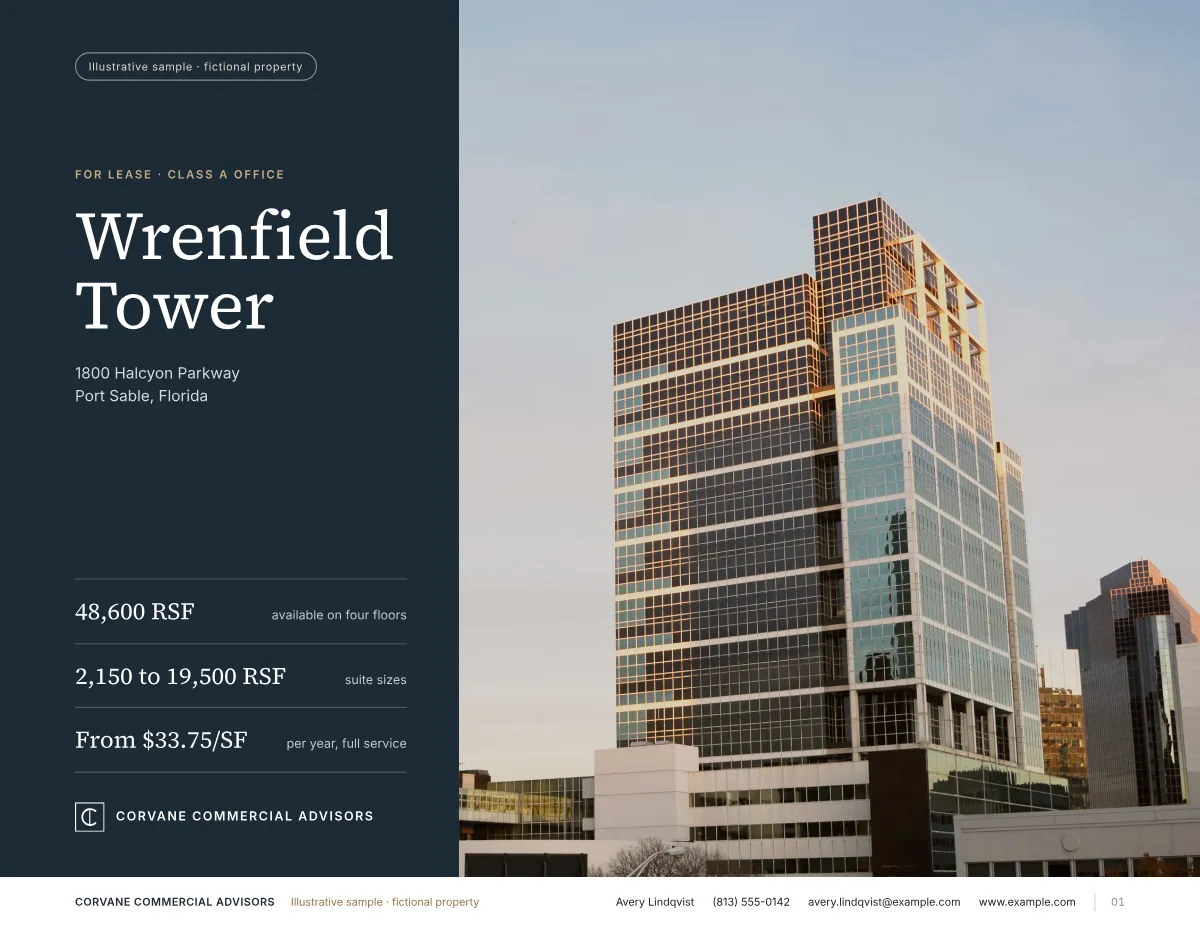
Every brochure has an embed code: a standard iframe that works with WordPress, Squarespace, Wix, Webflow and any site that accepts HTML. Readers flip through it on your listing page, with a compact Contact bar underneath.
Example embed code · the fictional demo brochure
Paste it where the brochure should appear. When you replace the PDF, the embedded brochure updates on its own.
Make your next brochure interactive.
Start a 14-day free trial and publish your first interactive brochure today.
14-day free trial · card required · you won't be charged until your trial ends · cancel anytime before then from Billing.