


Starter
$19/ month
$19/month after the trial unless you cancel.
- 10 active brochures
- Most recent 6 months of analytics
Interactive brochures for real estate
Upload the PDF you already send. It becomes a flipbook where clients call, email, open photo galleries and enlarge floor plans and maps, and you see which pages get attention.
The demo needs no account or card. 14-day free trial · card required · you won't be charged until your trial ends · cancel anytime before then from Billing.
Sample brochure · fictional propertyBlue marks what becomes tappable
It opens in the real flipbook viewer. Then make its phone numbers, emails, links, photos and plans tappable.
Or drop a PDF here. Up to 50 MB and 80 pages.
Your PDF stays in your browser. It isn't uploaded, and the private preview ends after 10 minutes.
The difference
Same brochure, same design. What changes is everything your client can do with it, and what you learn afterwards.
PDF attachment: A static file, pinched and zoomed on a phone
OneBrochure link: A flipbook that fits every screen, from phone to desktop
PDF attachment: Phone numbers and emails your client has to retype
OneBrochure link: Tap to call or email, right from the page
PDF attachment: Flat images, printed at page size
OneBrochure link: Photo galleries, and floor plans and maps that enlarge
PDF attachment: A new attachment for every price change
OneBrochure link: One permanent link that always shows the latest version
PDF attachment: No idea what happened after you hit send
OneBrochure link: Which pages and details get attention
01Flipbooks
Your PDF becomes a flipbook: two-page spreads on larger screens, single pages on phones, with zoom, full screen and thumbnails. Readers can switch between Book, Slides and Scroll when you turn them on.
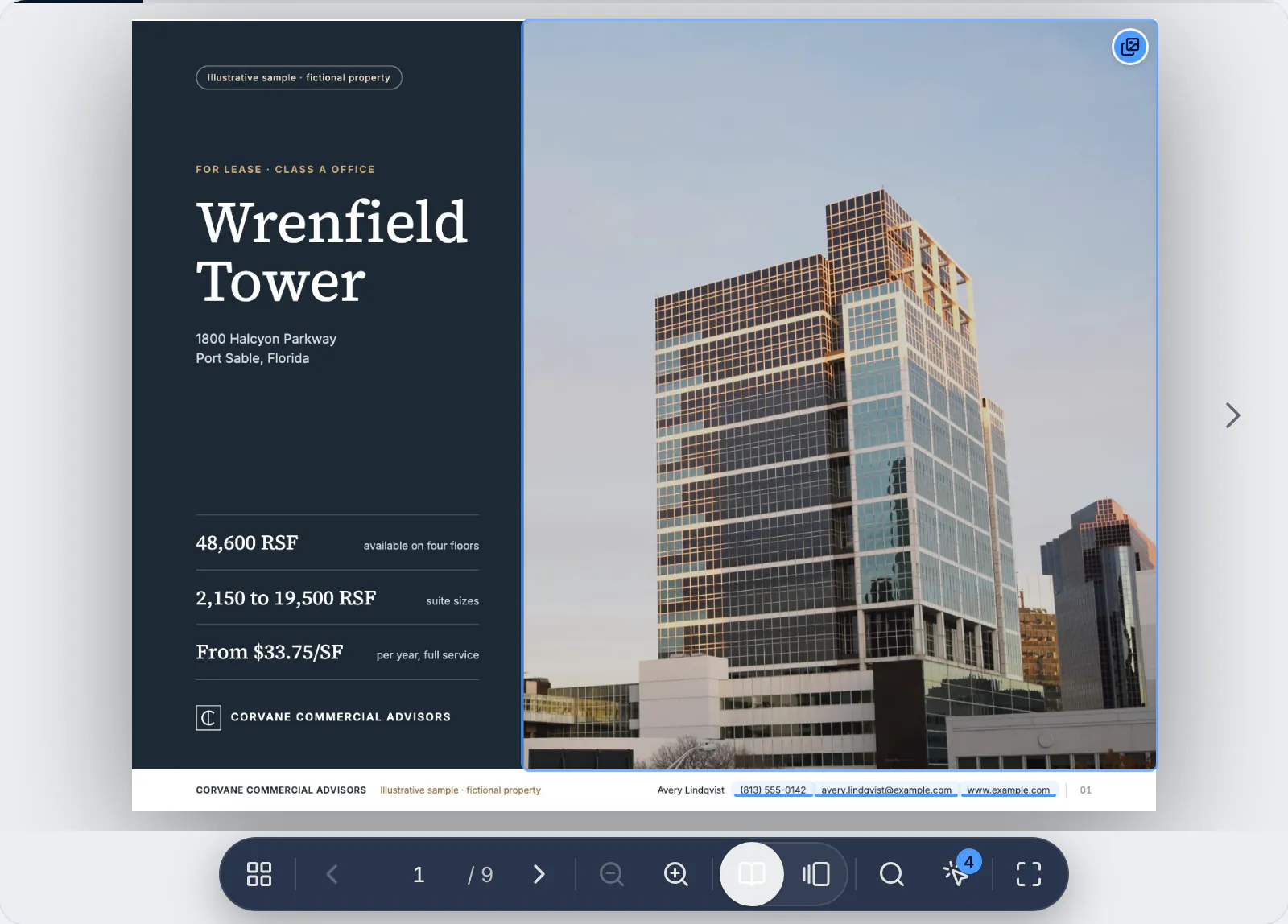
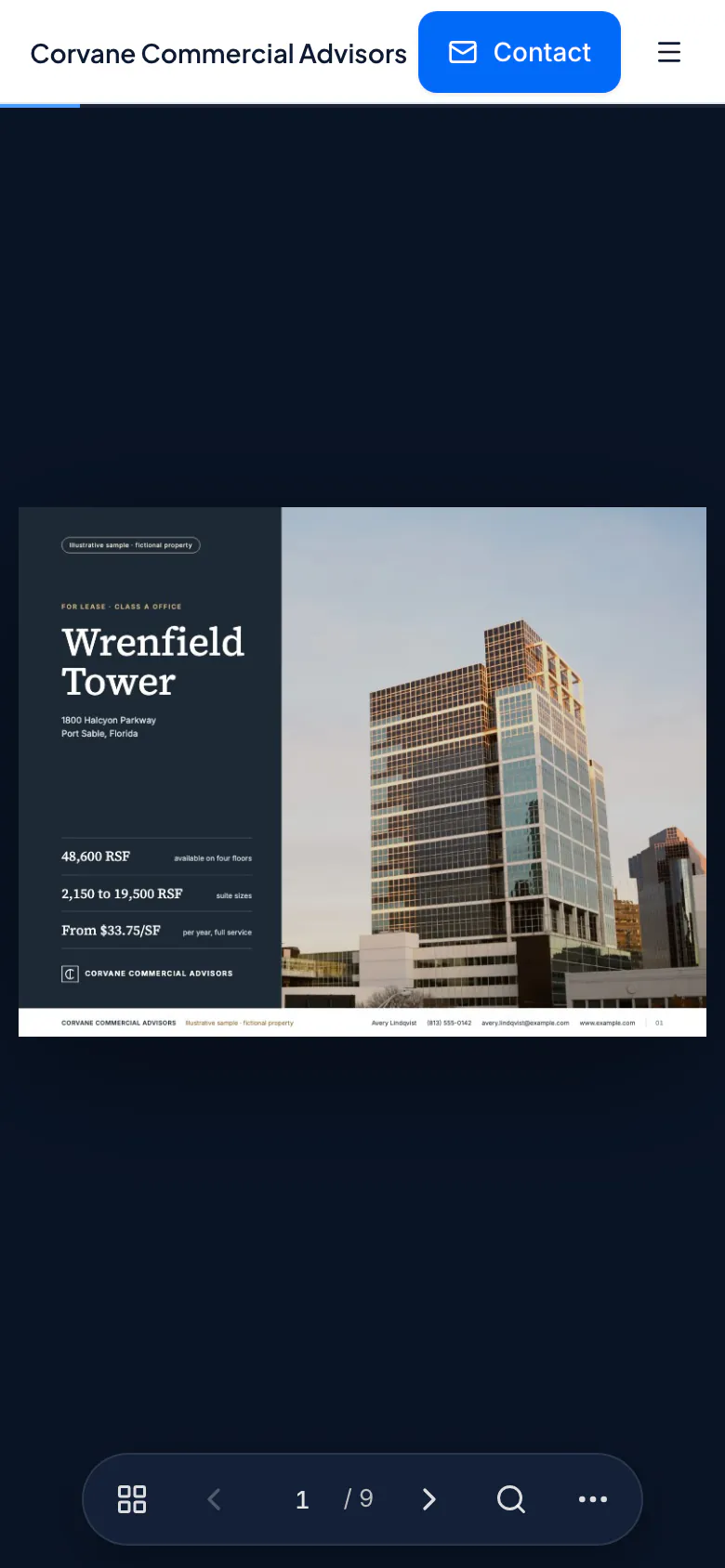
<iframe src="https://onebrochure.com/embed/b/wrenfield-tower" …>02Interactivity
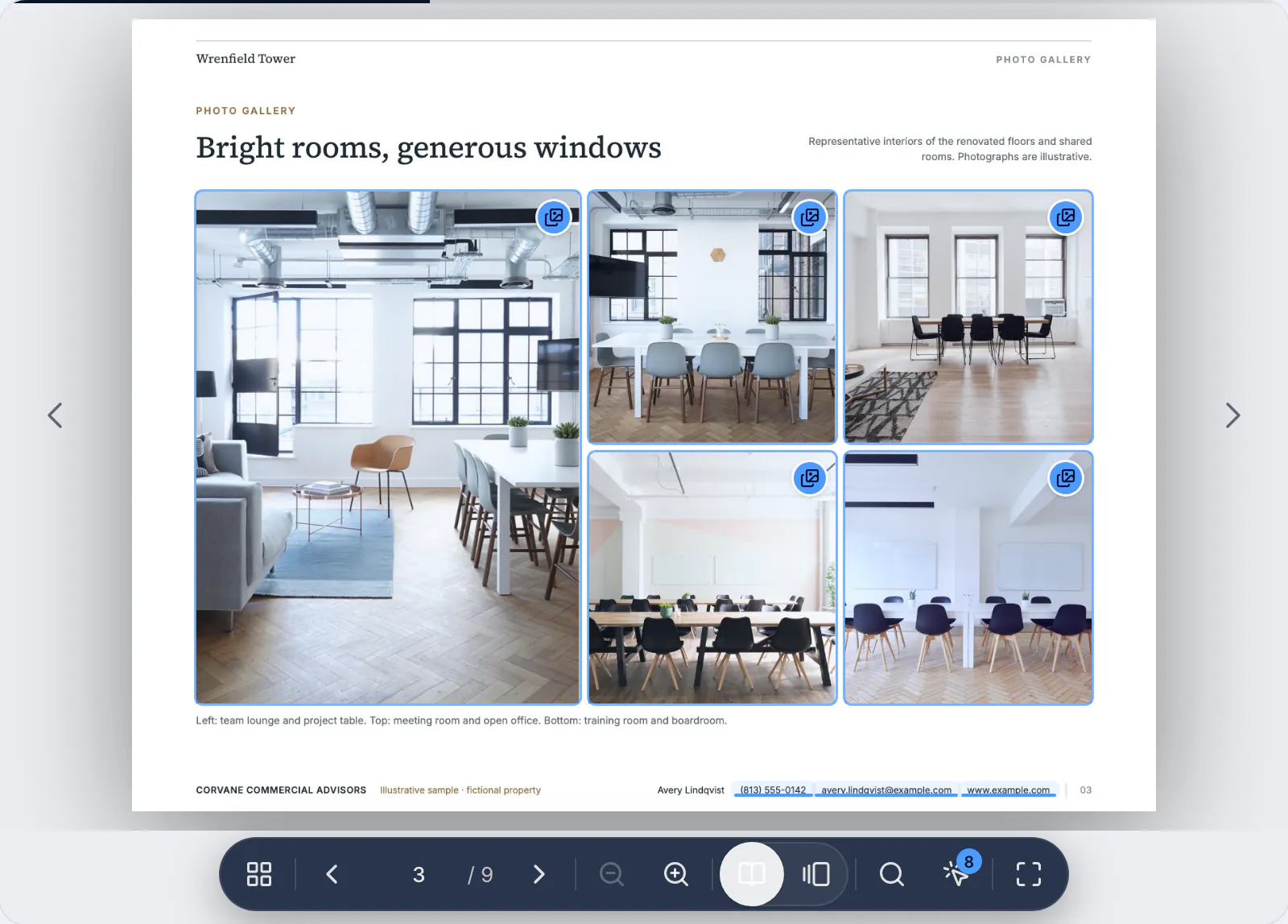
OneBrochure finds the phone numbers, emails, links, photos, floor plans and maps already printed in your PDF and suggests making them interactive. Your design stays exactly as you made it.
Optional AI helps you improve a brochure without touching its design. You approve every change before it goes live.
03Analytics
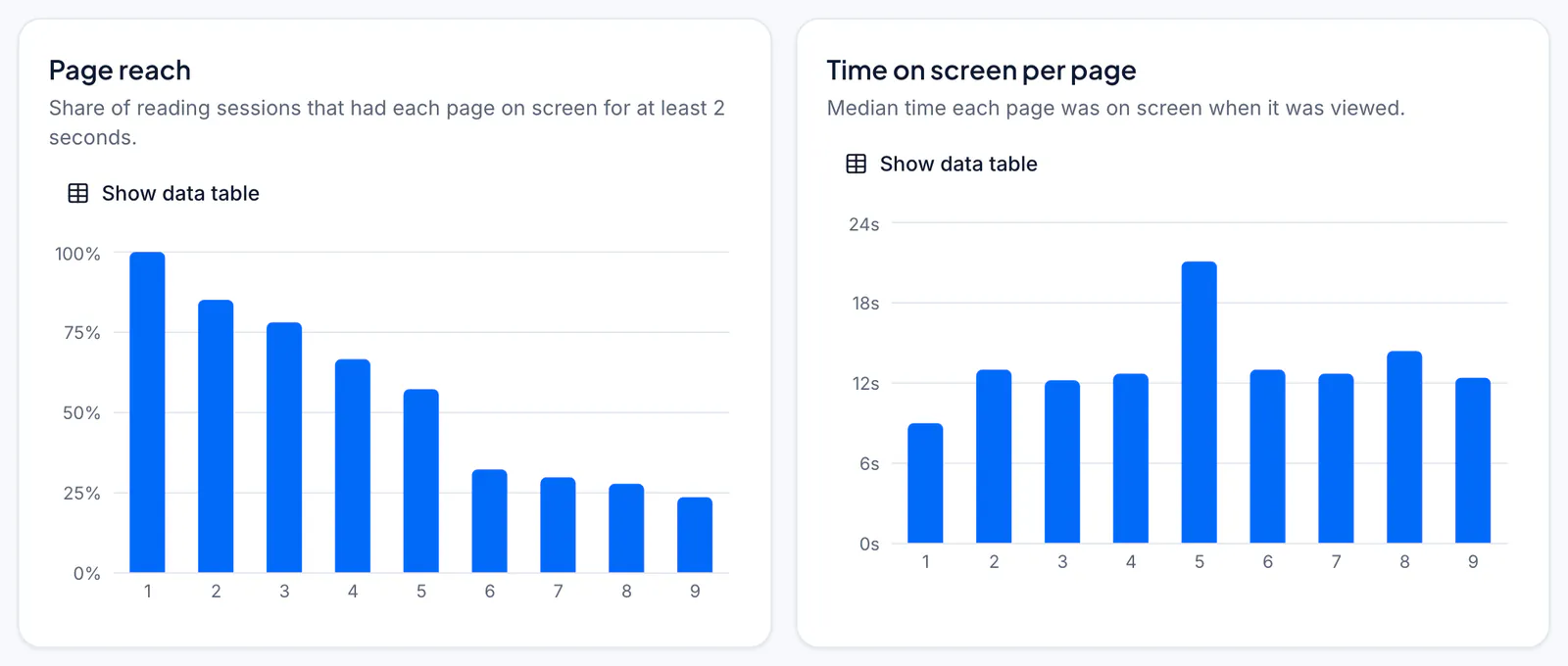
Page reach, time on screen for every page and clicks on each interactive detail. Measured without cookies and without identifying anyone, and ready to export as PDF or CSV.
Cookieless. Visitors are never identified; you learn who someone is only when they send you their details.
Permanent links
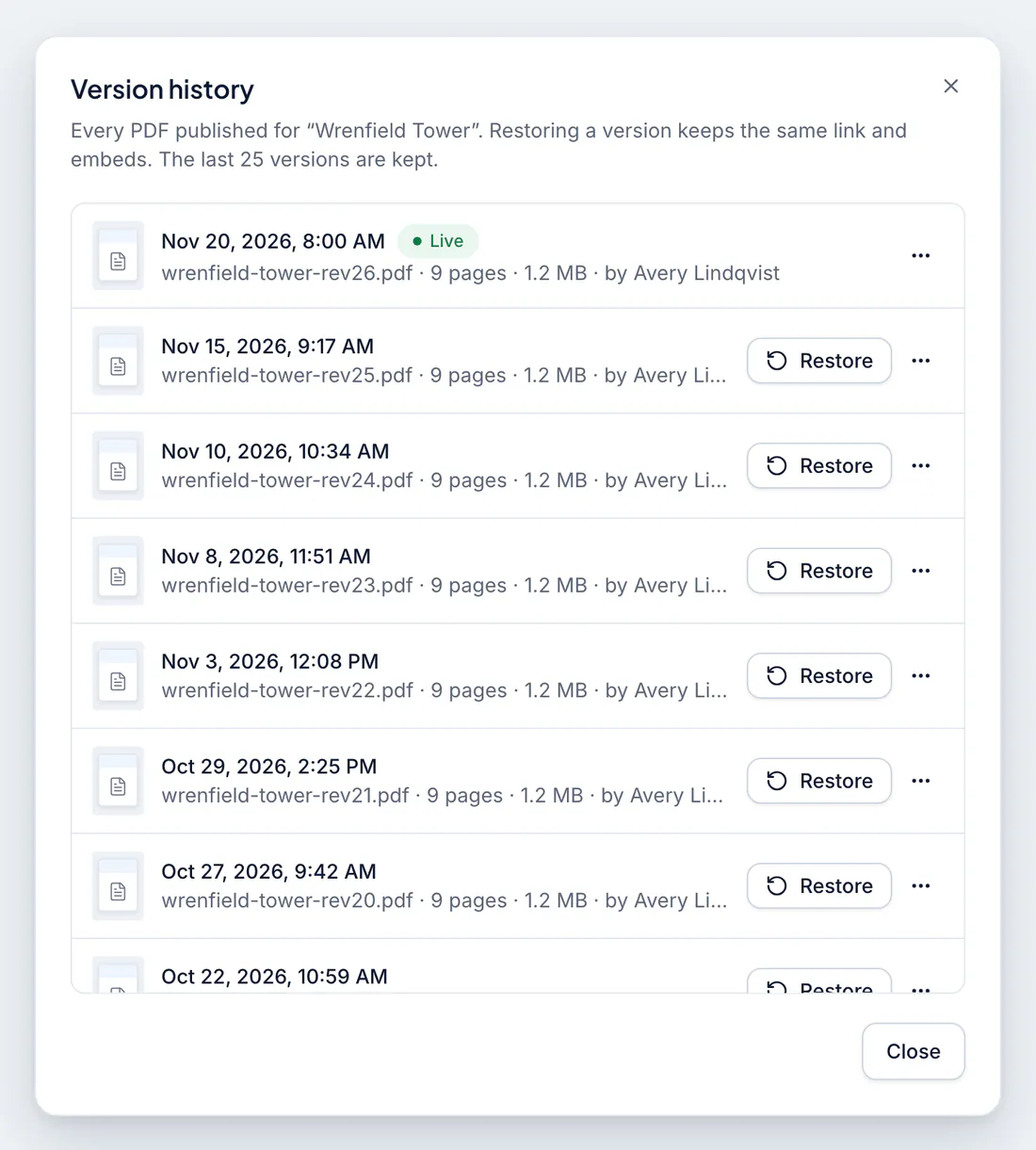
When a price changes or a listing goes under contract, upload the new PDF. The link in your emails, the QR code on the sign and the embed on your website show it on the next visit.
The last 25 versions of every brochure are saved on every plan, ready to restore.
Pricing
From a solo agent to a brokerage team of 20. Plans differ only in how many brochures you publish and how much analytics history you see.
$19/ month
$19/month after the trial unless you cancel.
$59/ month
$59/month after the trial unless you cancel.
$149/ month
$149/month after the trial unless you cancel.
14-day free trial · card required · you won't be charged until your trial ends · cancel anytime before then from Billing.
The quickest answer is your own brochure: it opens in the demo above, in your browser, without an account.Try the demo →
Yes. Your browser opens the PDF on your device; it isn't uploaded or published, and nobody else can see it. The preview lasts 10 minutes. If you choose Save and publish, it stays in this browser for up to 60 minutes so it can be added to your new workspace once you've signed up.
PDFs, the same file you'd attach to an email: listing brochures, property flyers, open house handouts, offering memorandums and leasing packages. The homepage preview takes PDFs up to 50 MB and 80 pages. In your workspace, every plan accepts PDFs up to 50 MB.
Every plan starts with a 14-day free trial with every feature included. A card is required to start, and you won't be charged until the trial ends. Cancel anytime before then from Billing and you won't be charged at all.
No. Interactions sit on top of what's already printed: a phone number becomes tappable, a photo opens a gallery, a floor plan enlarges. OneBrochure suggests them and you review each one before it goes live. Optional AI can suggest improvements too, and it never changes anything you haven't approved.
Nothing changes for the people you shared it with. The link, QR code and website embed stay the same, and the next person who opens it sees the new brochure. The last 25 versions are saved, so you can restore an earlier one in one click.
Yes. Every brochure has an embed code you can paste into WordPress, Squarespace, Wix, Webflow or any site that accepts HTML. The embed includes a compact Contact bar, and when you replace the PDF, the embedded version updates too. Password-protected and private brochures never show inside embeds.
No. Brochures open in any modern browser on phones, tablets and desktops. Visitors never sign in unless you deliberately make a brochure private to your team.
OneBrochure measures engagement, not identity. You see visits, which pages readers reached, how long each page was on screen and which interactive details they clicked, across all readers rather than per person. There are no tracking cookies, and you learn who someone is only when they choose to send you their details through the Contact form.
You do. Your brochures, photos and leads belong to your brokerage. We process them only to run the service, and you can download your PDFs and export your leads at any time.
Start a 14-day free trial and publish your first interactive brochure today.
14-day free trial · card required · you won't be charged until your trial ends · cancel anytime before then from Billing.